Custom Automated Inventory Management Software: When Off-the-Shelf Doesn't Cut It
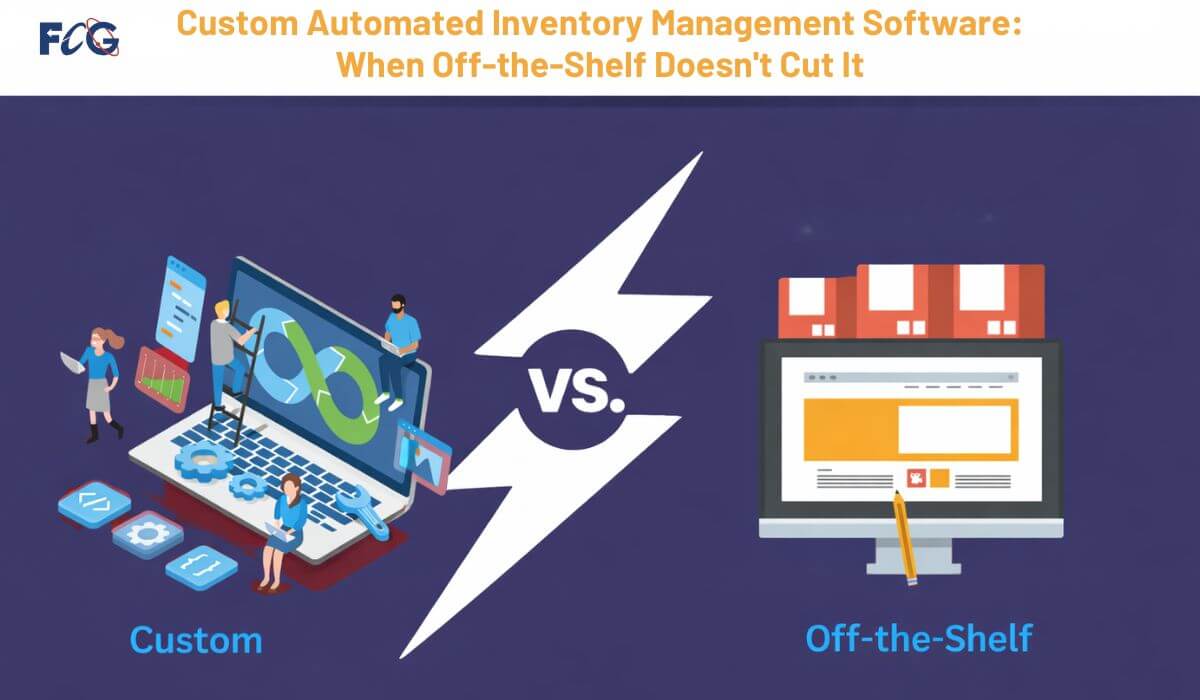
You run a business. You need to track products. You want to know what's in stock. You need to find items fast. Manual tracking wastes your time. Spreadsheets cause errors. Off-the-shelf software doesn't fit your needs. Automated inventory management changes everything. It saves time. It cuts costs. It reduces mistakes. But here's the problem: most ready-made solutions don't match how your business works. They force you to change your process. They lack features you need. They include tools you'll never use. That's where automated inventory management software built just for you makes the difference. Custom solutions work the way you do. They grow with your company. They connect to your existing tools. You get exactly what you need.
What Makes Standard Software Fall Short
Ready-made inventory tools sound good at first. The price looks low. The setup seems quick. But problems appear fast.
These systems can't adjust to your workflow. You sell unique products. You have special pricing rules. You track items across many warehouses. Standard software doesn't handle this. It breaks down when your needs get complex.
Here's what goes wrong with pre-built systems:
- Limited customization options: You can't change how screens look. You can't add new fields. You can't change reports. The software stays locked in its design.
- Poor integration capability: Your accounting software won't connect. Your e-commerce platform won't sync. Your shipping tools won't link up. You end up entering data twice or three times.
- Inflexible reporting tools: You need specific data views. You want custom reports. The system only gives you preset options. You can't get the numbers you need.
- Forced workflow changes: The software forces you to work its way. Your staff must learn new steps. Your process gets slower, not faster.
- Excess features you don't use: You pay for tools you never touch. The interface gets cluttered. Finding what you need takes longer.
- Scalability problems: Your business grows. You add locations. You increase product lines. The software can't keep up. You hit limits fast.
How Custom Solutions Transform Your Operations
Custom inventory management software fits your business like a glove. Developers build it around your needs. They study how you work. They design tools that match your process.
You control every feature. Need barcode scanning? Add it. Want RFID tracking? Build it in. Need multi-location support? Design it that way. The software does what you need.
Your team works faster. They don't fight the system. They don't work around limitations. The tools help them do their job. Training time drops. Errors decrease. Productivity jumps.
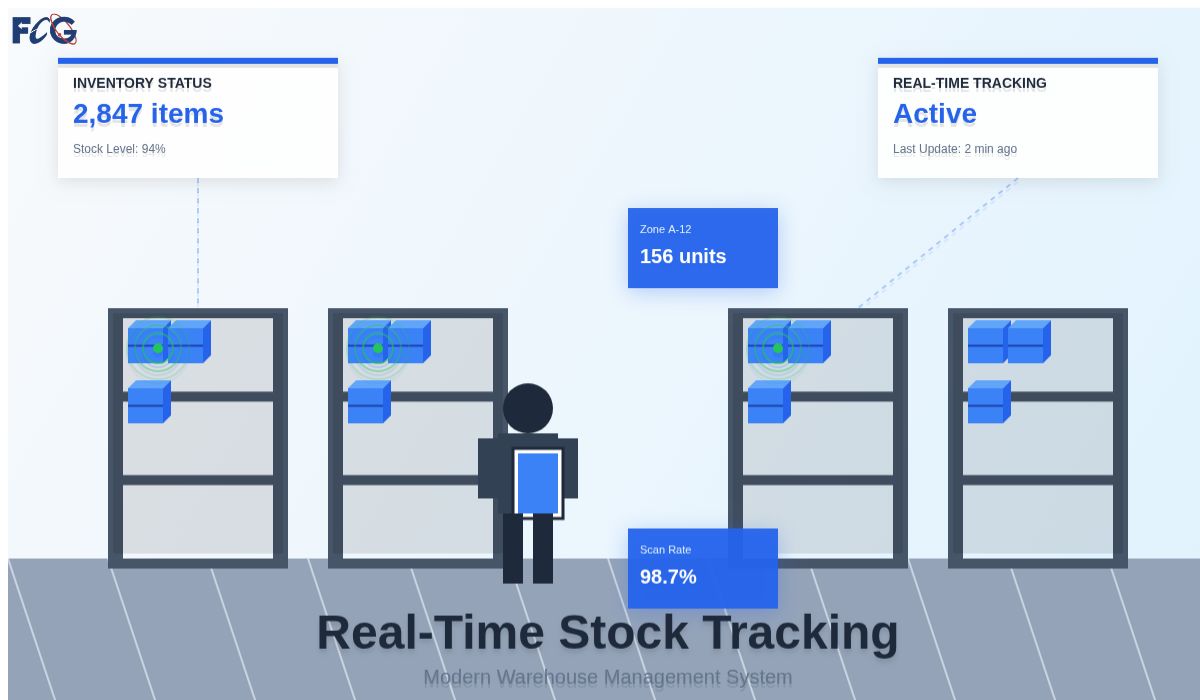
Real-time data becomes your new normal. You see stock levels instantly. You track items as they move. You catch problems before they cost money. No more surprises. No more guesswork.
The system grows with you. Add new features when ready. Connect new tools as needed. Scale up without switching software. Your investment protects your future.

Building the Right Tool for Your Warehouse
Every warehouse runs different. Your layout is unique. Your receiving process has special steps. Your shipping routine follows certain rules. Custom software respects this.
Start with database design. A solid foundation matters most. The database stores all your information. It needs proper structure. Good design prevents data problems. It makes searches fast. It keeps information accurate.
Automated inventory management systems need strong databases. MS SQL works great for this. MySQL handles large data well too. The right choice depends on your volume. It depends on your current tools. It depends on your budget.
Mobile access changes the game. Workers scan items on the floor. They update counts from anywhere. They check stock without walking to a computer. This saves hours every week.
Cloud hosting gives you freedom. Access data from any location. Work from home when needed. Check inventory on your phone. Your data stays safe with proper backups.
Integration ties everything together. Connect to your accounting software. Link to your e-commerce site. Sync with shipping platforms. Data flows between systems. You enter information once. It updates everywhere.
Planning Your Custom Development Path
Building custom software takes planning. You can't rush the process. Good results need time and thought.
First, map your current workflow. Document every step. Note what works well. Mark what causes problems. List what you wish you could do. This creates your requirements list.
Interview your staff. They use the system daily. They know the pain points. They have smart ideas. Their input shapes better software.
Choose your development partner with care. Look for database experts. Find developers who understand inventory. Check their past projects. Talk to their clients. Good partners ask lots of questions. They want to understand your business.
Custom ERP inventory module development offers another path. You might have ERP software already. Adding a custom inventory piece makes sense. It connects to your existing system. It shares the same database. Users learn one interface.
Set a realistic timeline. Custom development takes months, not weeks. Rush jobs create problems. Patient work builds solid tools. Plan for testing time. Budget for training periods. Allow room for adjustments.
Budget properly from the start. Custom software costs more upfront. But it saves money over time. No monthly fees per user. No paying for unused features. No replacing software in two years. Calculate your total cost over five years. Custom often wins.
Making the Move from Spreadsheets
Many businesses track inventory in Excel. It works at first. Then you grow. Spreadsheets become nightmares.
Many people edit the same file. Versions conflict. Data gets lost. Formulas break. The sheet becomes slow. Finding information takes forever.
Automated inventory management solves this mess. One central database holds everything. Everyone sees the same numbers. Updates happen in real time. No more version conflicts.
The change feels big at first. Your team knows Excel well. New software seems scary. But custom solutions can look familiar. Developers design interfaces your staff understands. Training becomes easier.
Data migration needs attention. Your spreadsheet holds valuable history. Moving that data takes care. Good developers clean it first. They remove duplicates. They fix errors. They structure it properly. Your new system starts clean.
Advanced Features That Drive Results
Custom solutions let you add powerful tools. These features change how you manage stock.
Automatic reorder points save time. The system watches stock levels. It alerts you when supplies run low. It can even create purchase orders. You never run out of critical items.
Lot tracking becomes simple. Track products by batch number. Trace items back to suppliers. Handle recalls fast. Meet compliance rules without stress.
Serial number management works great for high-value items. Track each unit individually. Know where every piece went. Prevent theft. Manage warranties better.
Multi-location visibility gives you control. See stock across all warehouses. Transfer items between sites. Balance inventory where needed. Reduce total stock while improving service.
Demand forecasting helps you plan. The system analyzes sales patterns. It predicts future needs. You order smarter. You reduce overstock. You prevent shortouts.
Your Partner in Custom Software Solutions
Your business deserves tools built for your needs. Generic software holds you back. Custom solutions move you forward.
The Farber Consulting Group Inc. has built automated inventory management systems for over 30 years. We understand databases. We know MS SQL inside and out. We master MySQL too. Our team has helped companies like Avis Car Rental manage complex inventory across 30 locations.
We start by learning your business. We study your workflow. We interview your team. We document your needs. Then we design a solution that fits perfectly.
Our developers build on solid foundations. Database design comes first. We create structures that perform fast. We plan for growth from day one. We integrate with your existing tools smoothly.
We convert old systems too. Still using MS Access? We'll move you to the cloud. Running Visual FoxPro? We'll modernize that. Using spreadsheets? We'll build you something better. Our custom ERP inventory module development connects new inventory tools to your current business systems.
You get mobile access. Your team works from anywhere. Real-time updates keep everyone informed. Cloud hosting protects your data. Automatic backups prevent loss.
We don't disappear after launch. We provide support. We fix bugs fast. We add features as you grow. We help your team succeed.
Contact us at 732-536-4765. Let's talk about your inventory challenges. We'll show you how custom software solves them. Your business deserves better than off-the-shelf. Get tools built for how you actually work.

I started to develop custom software since 1985 while using dBase III from Aston Tate. From there I moved to FoxBase and to FoxPro and ended up working with Visual FoxPro until Microsoft stopped supporting that great engine. With the Visual FoxPro, I developed the VisualRep which is Report and Query Engine. We are also a dot net development company, and one of our projects is a web scrapping from different web sites. We are Alpha AnyWhere developers, and the Avis Car Rental company trusted us with their contract management software that we developed with the Alpha Five software Engine.
Comments